2. Create An Optin Form
Dec 15, 2024●
1
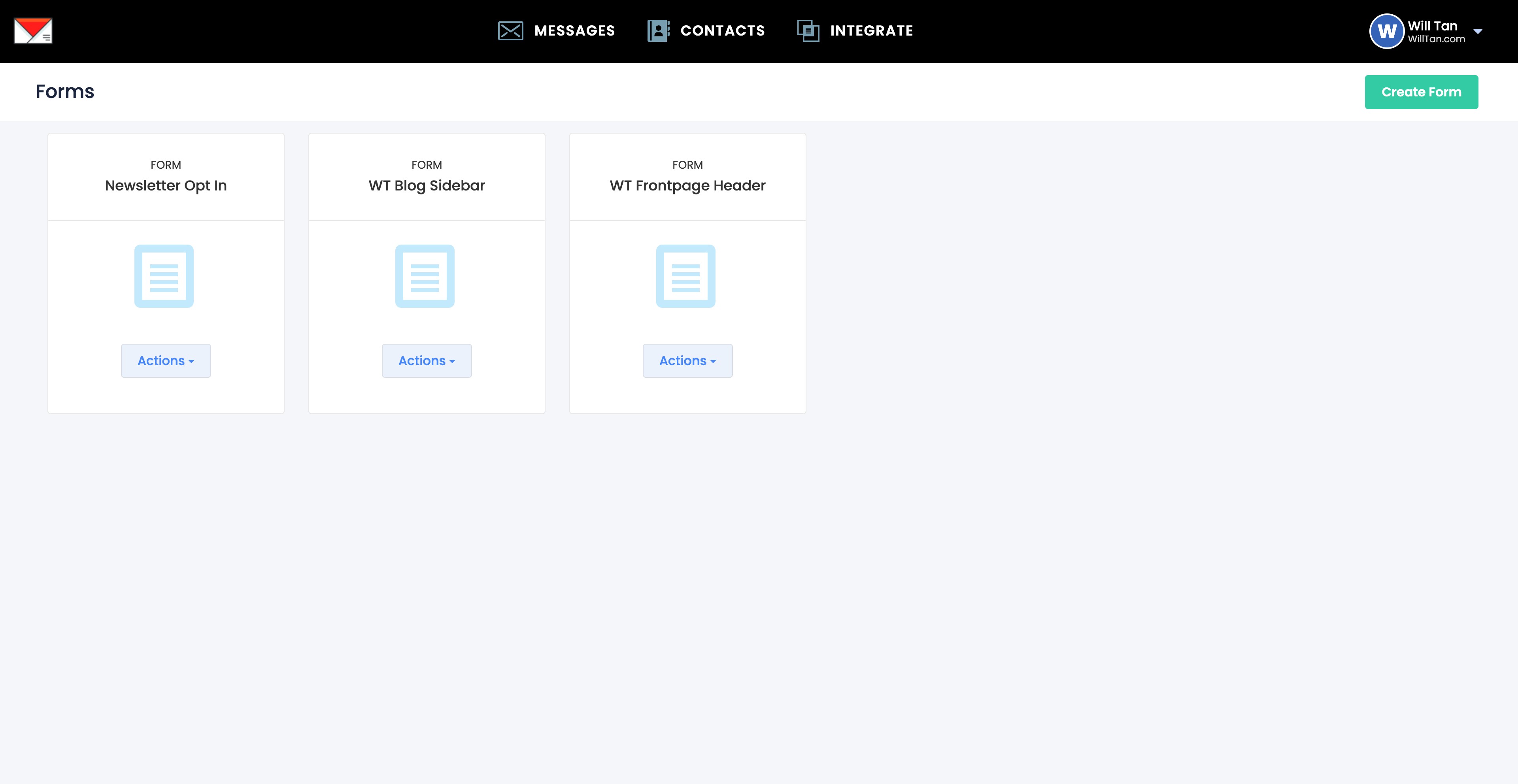
Navigate to https://app.willsend.email/forms
2
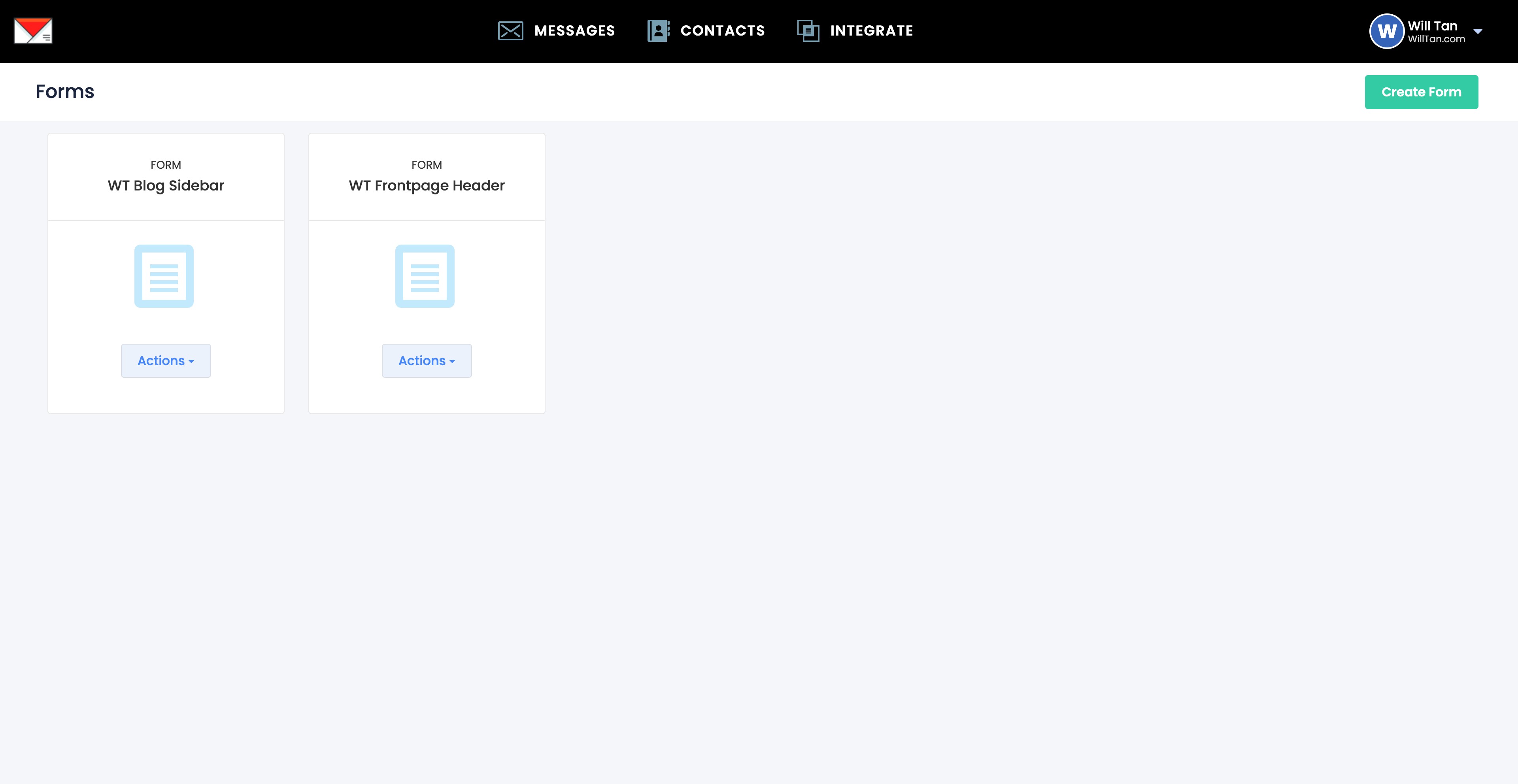
Click CONTACTS
3
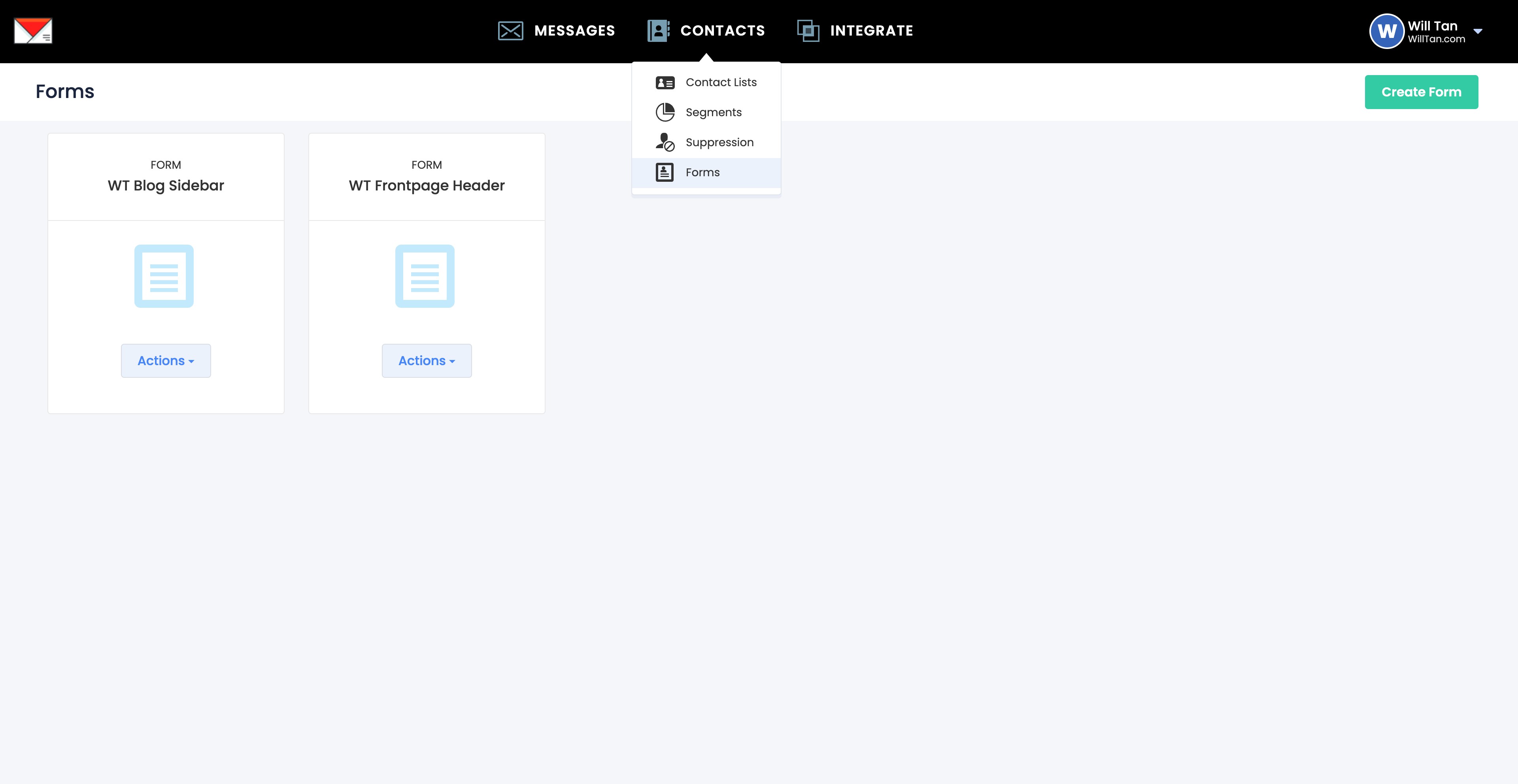
Click Forms
4
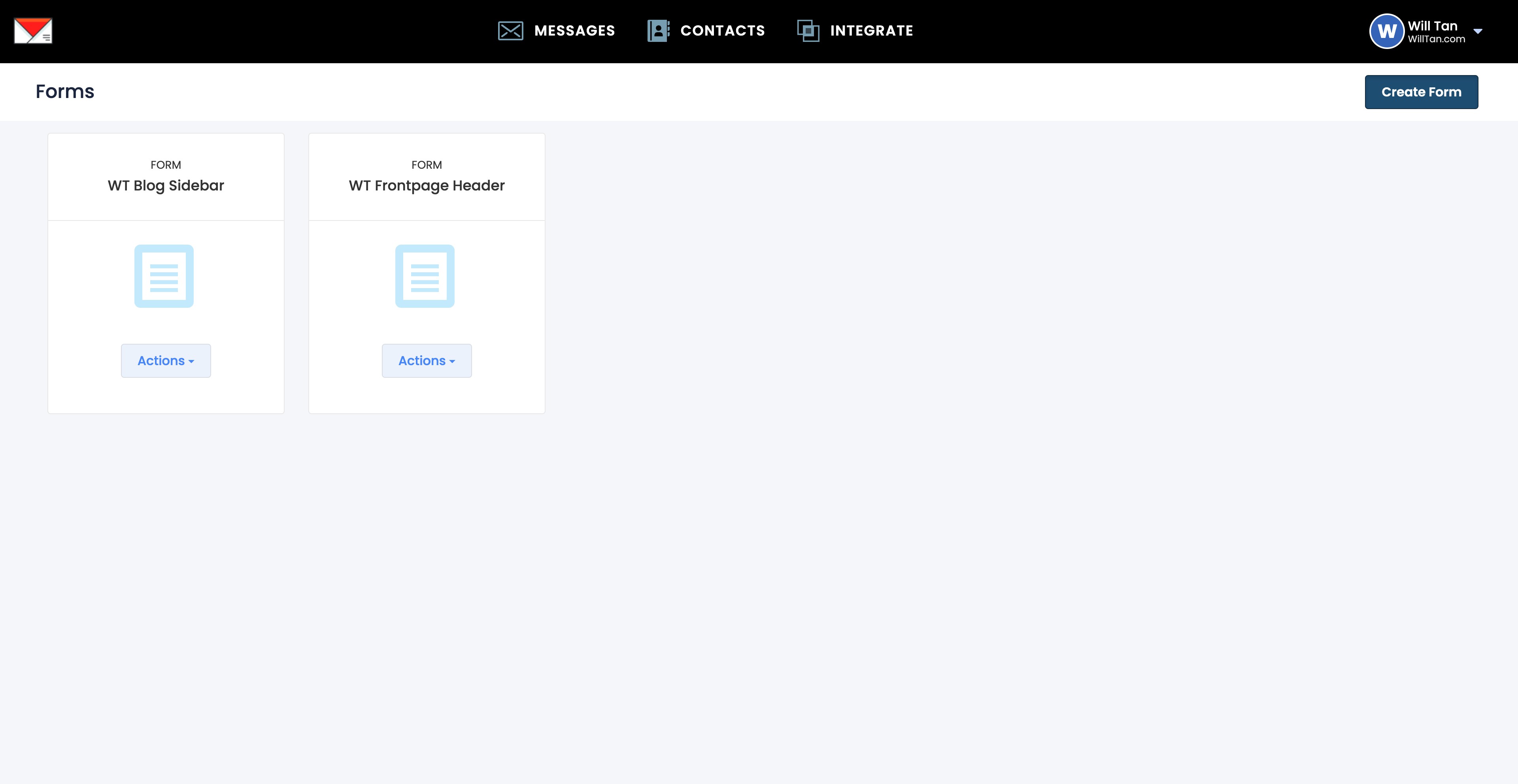
Click on "Create Form"
5
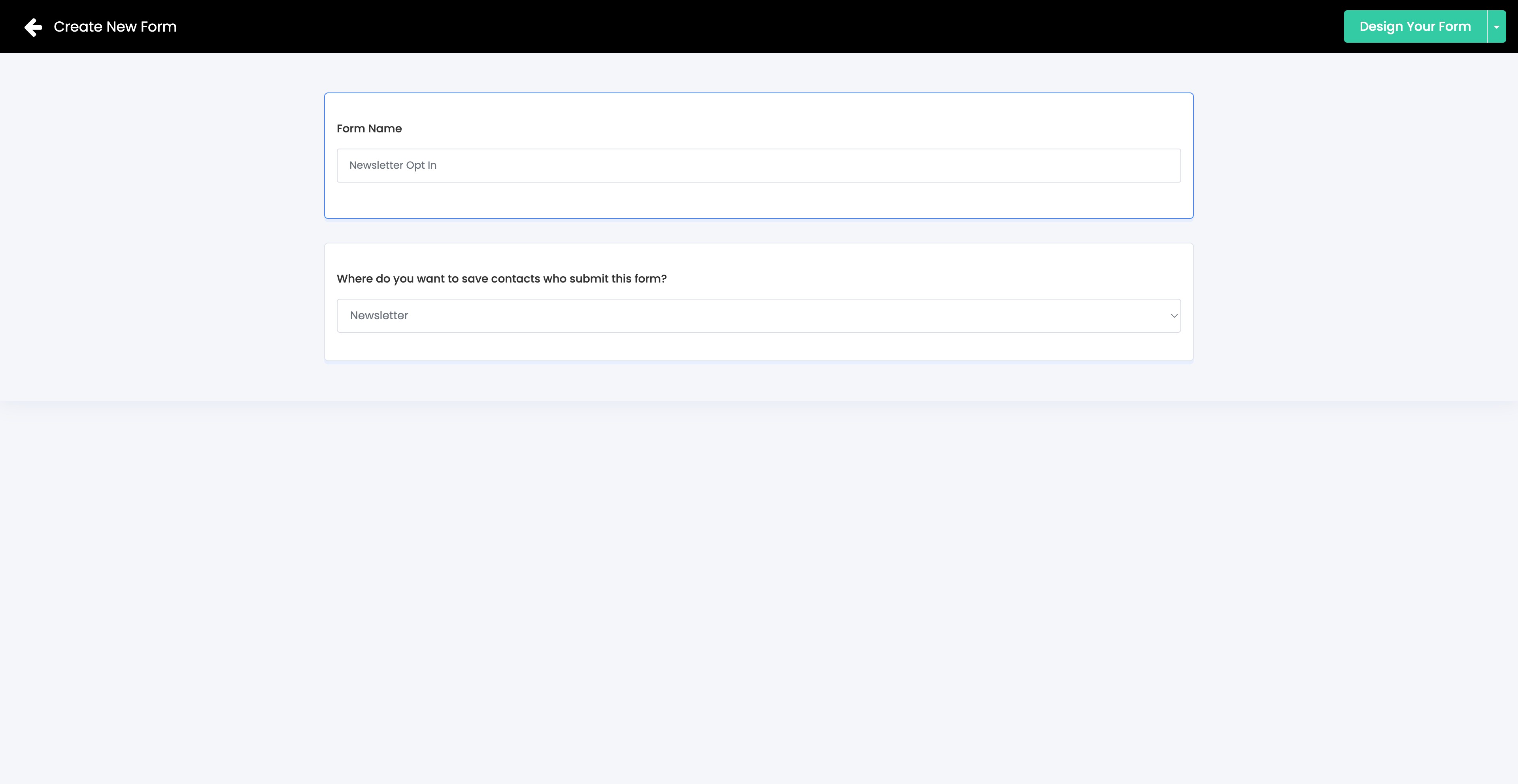
Enter Form Name ie. Newsletter Optin > Select the contact list you've created earlier ie. Newsletter > Click Design Your Form
6
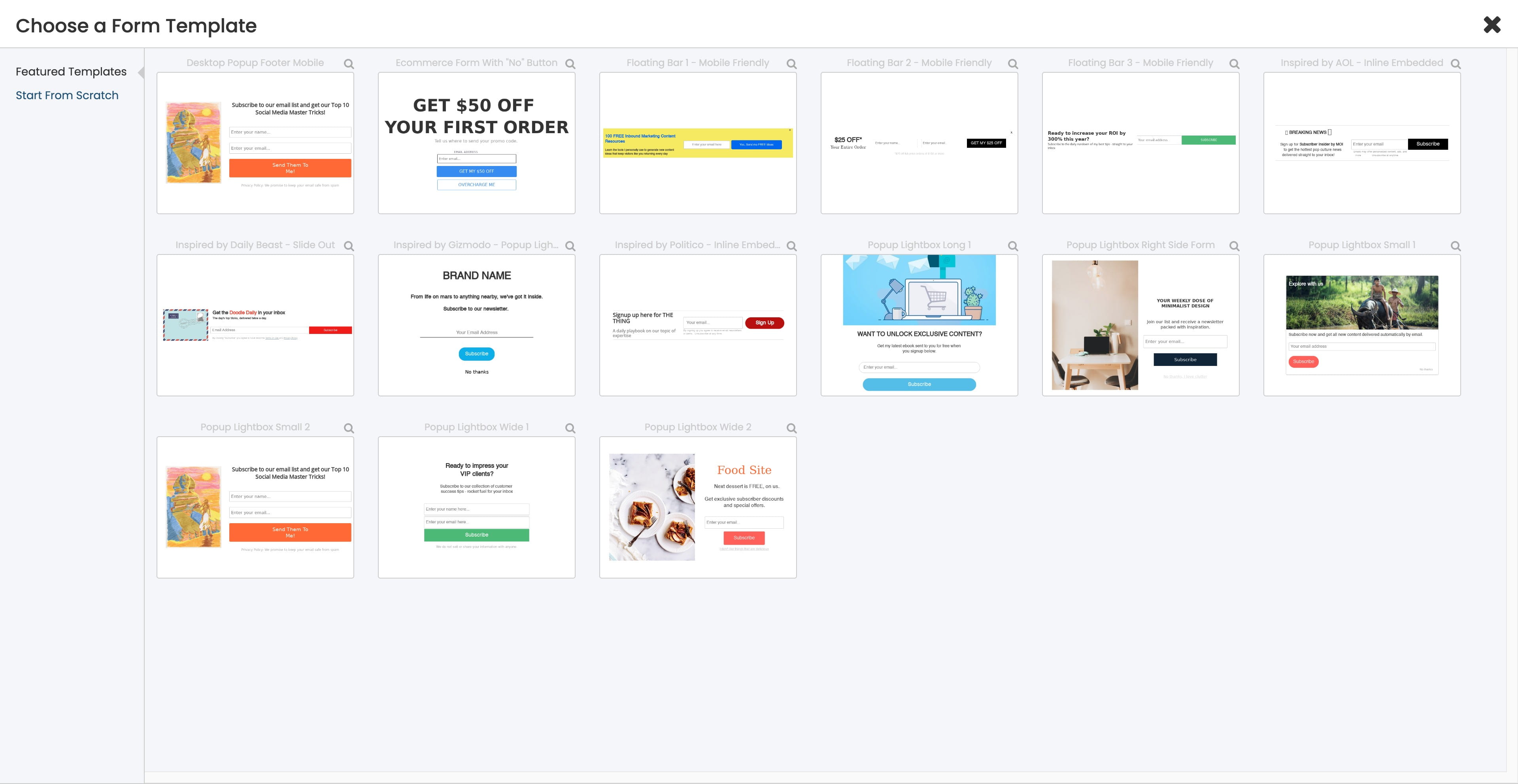
Click on "Start From Scratch"
7
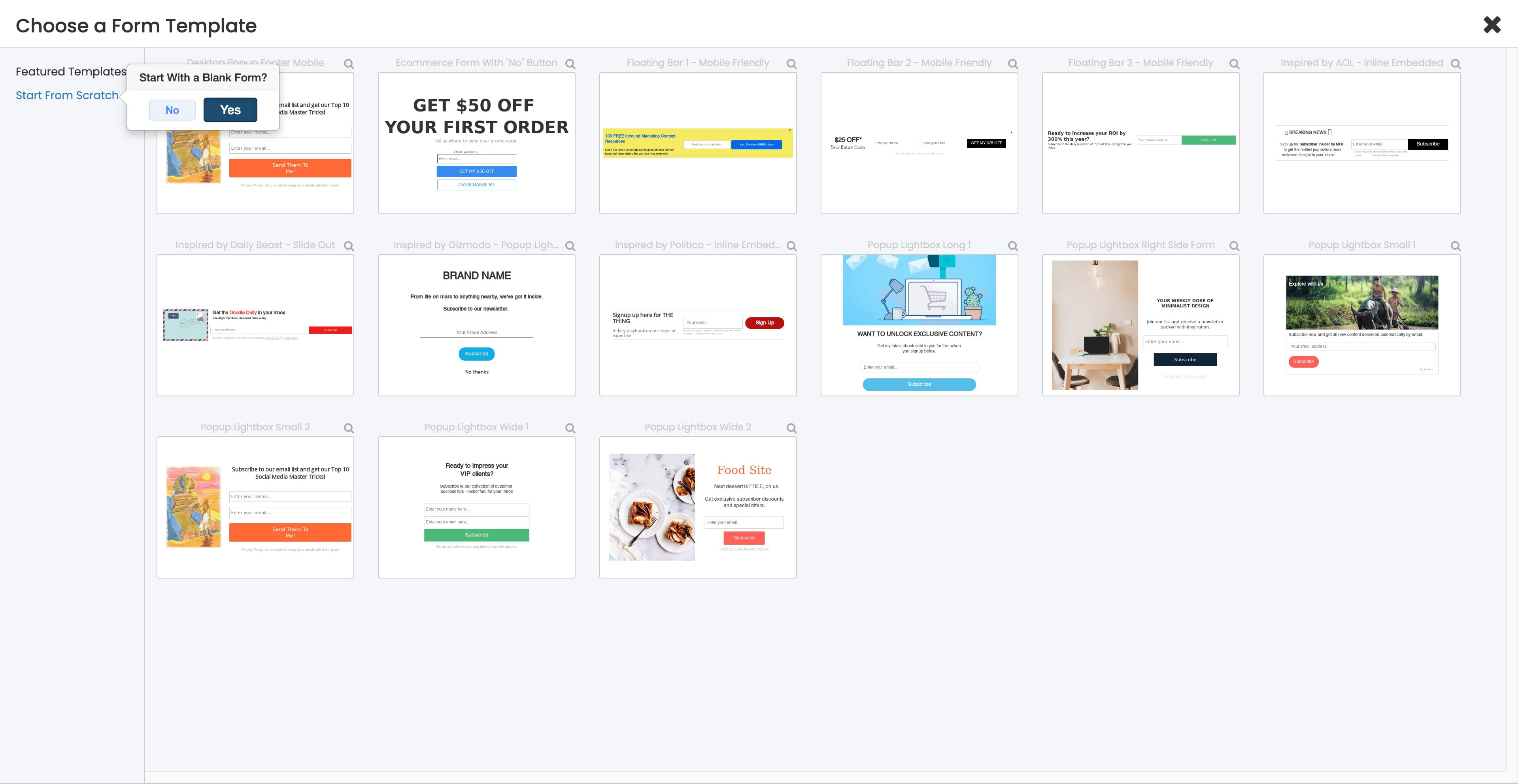
Click on "Yes"
8
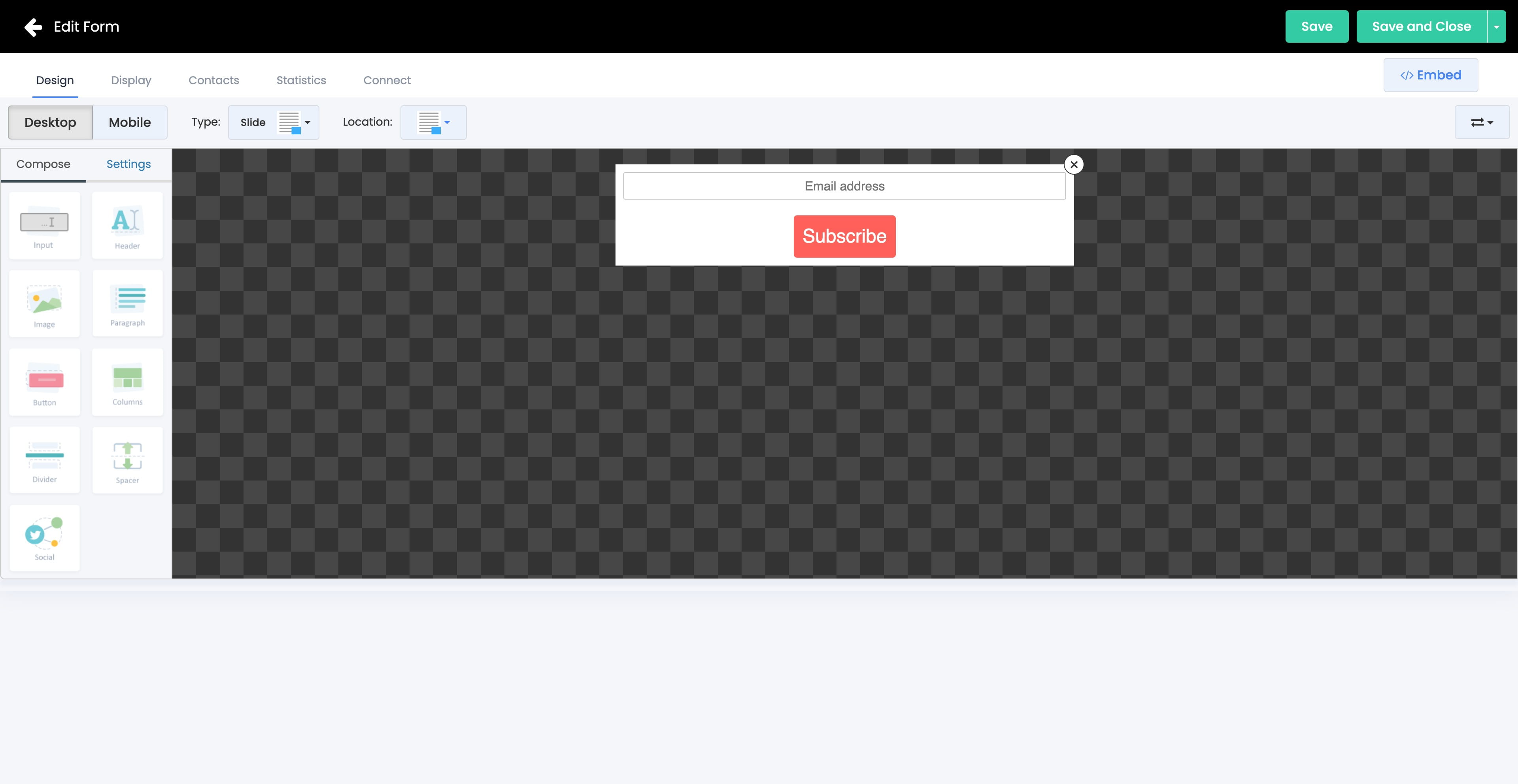
You can use the in-built editor t design your form to your likings. Click Save and Close
9
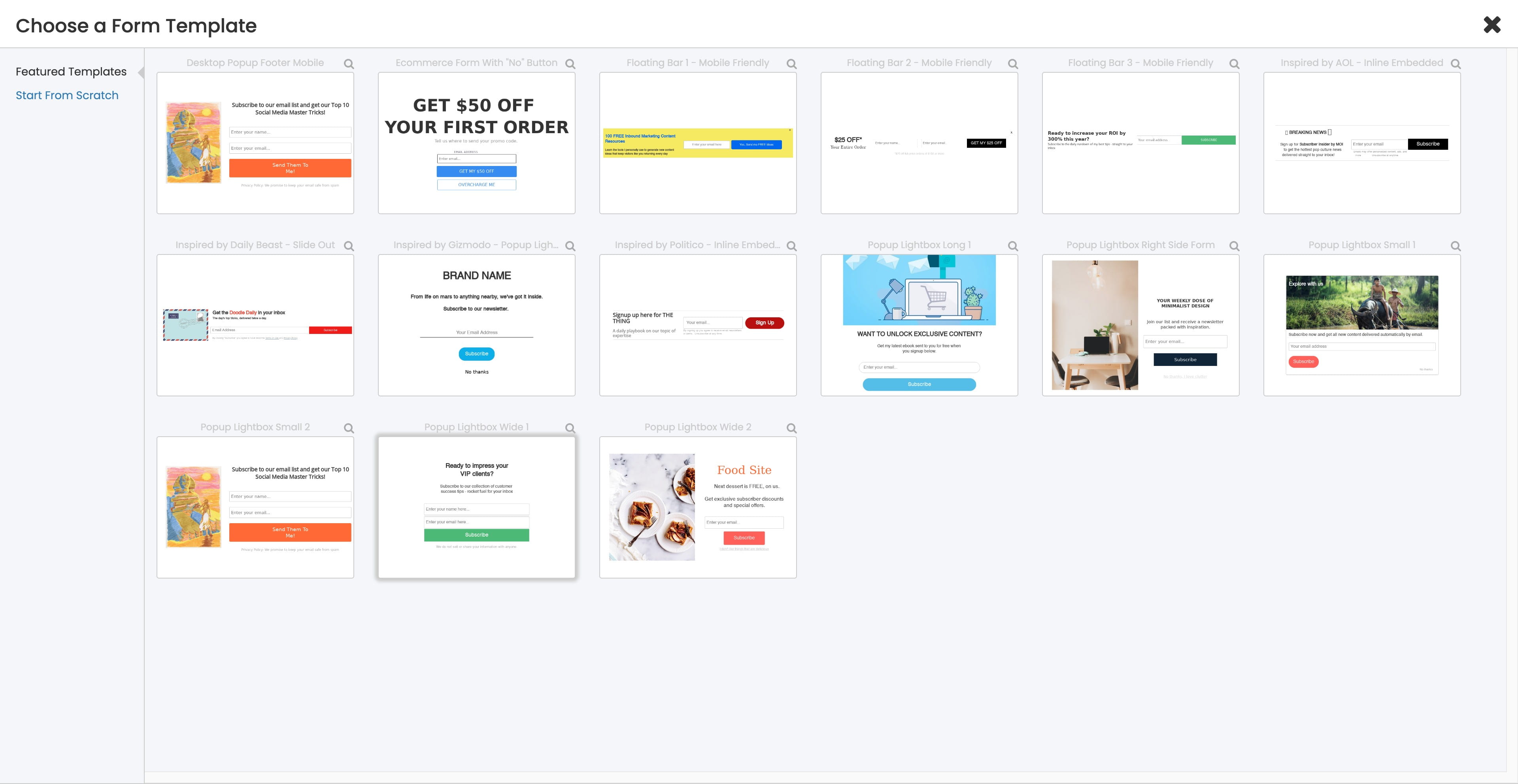
Alternatively, you can choose a template from the Featured Templates
10
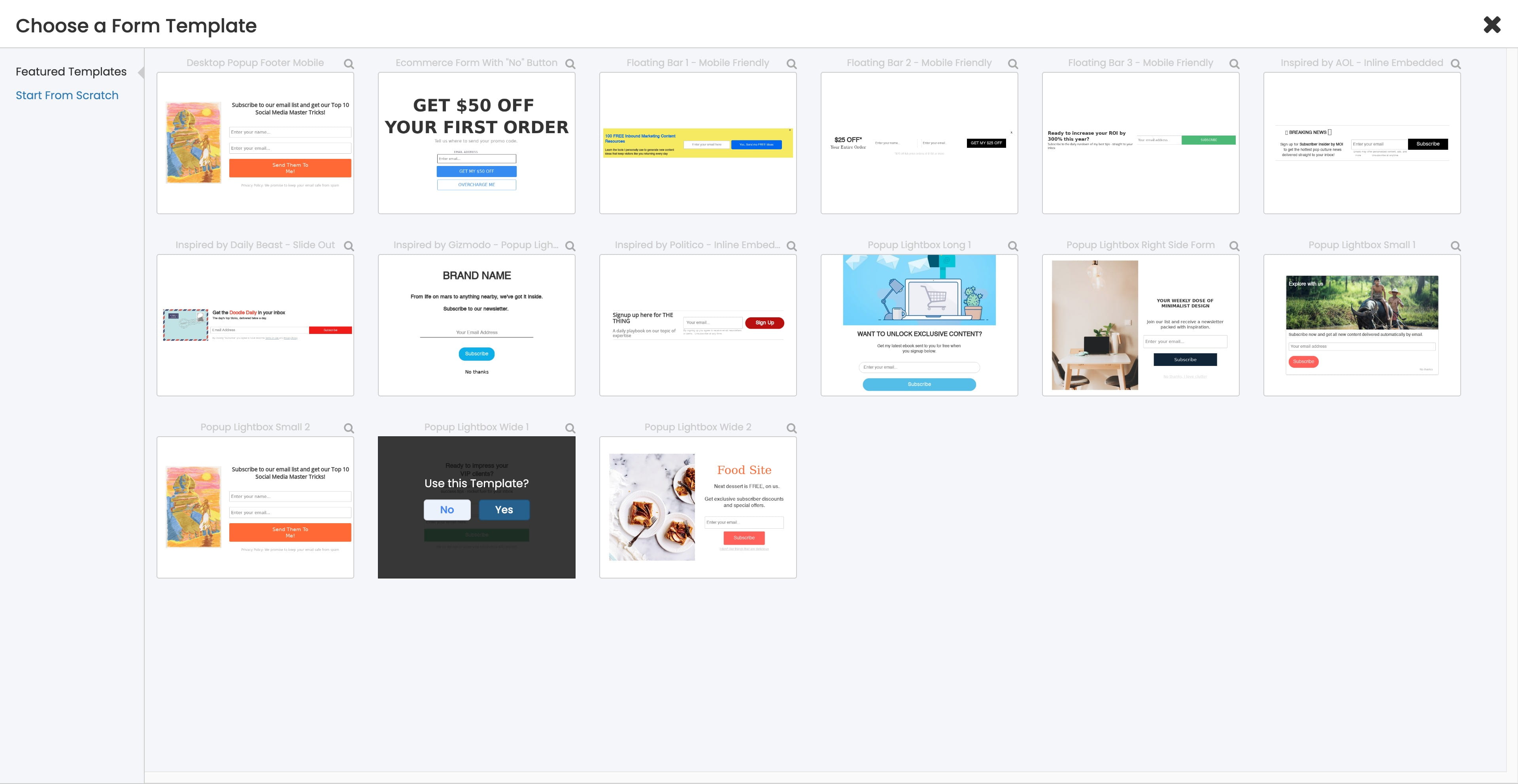
Click on "Yes"
11
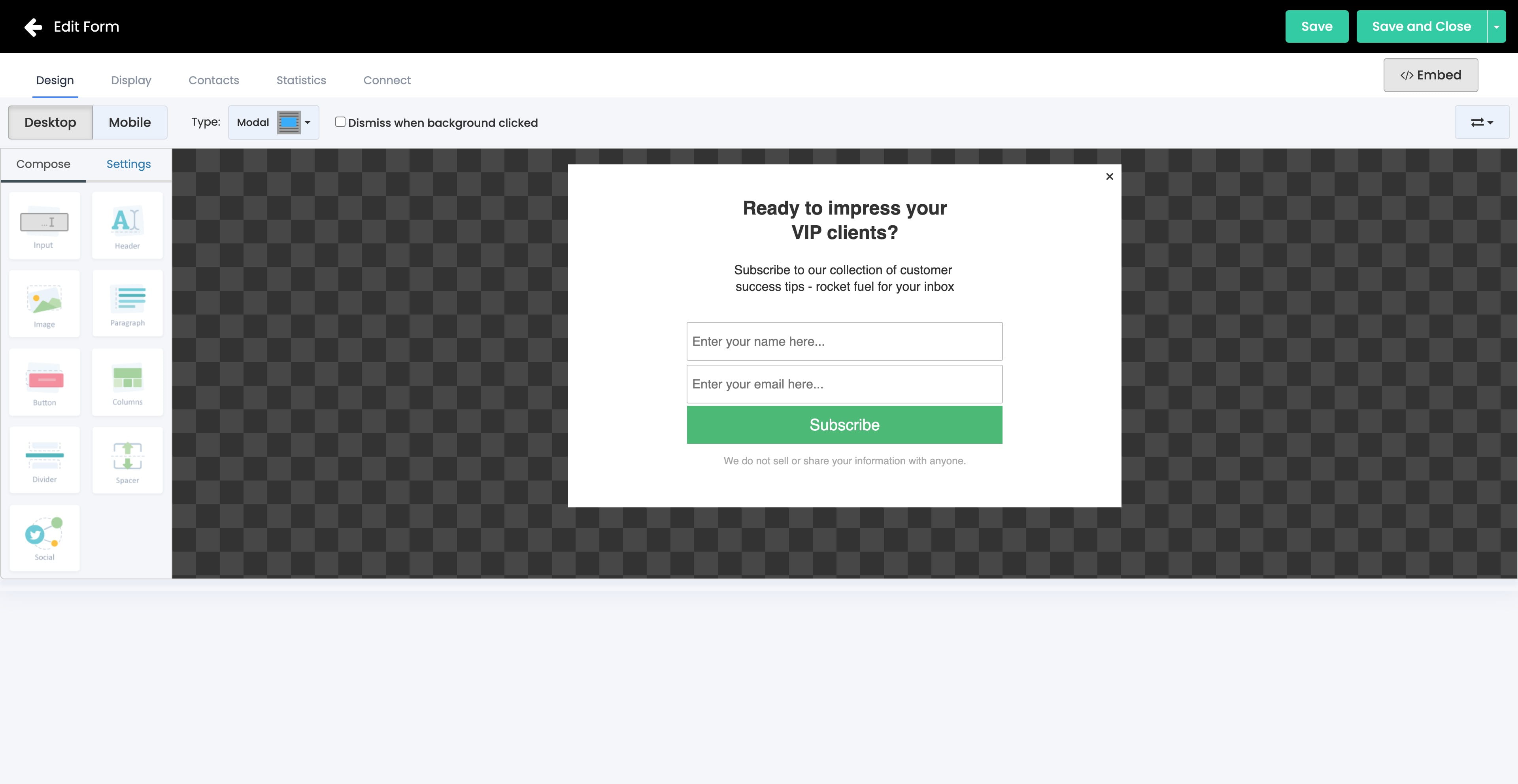
Go ahead to customise and design the form > Click Save and Close
12
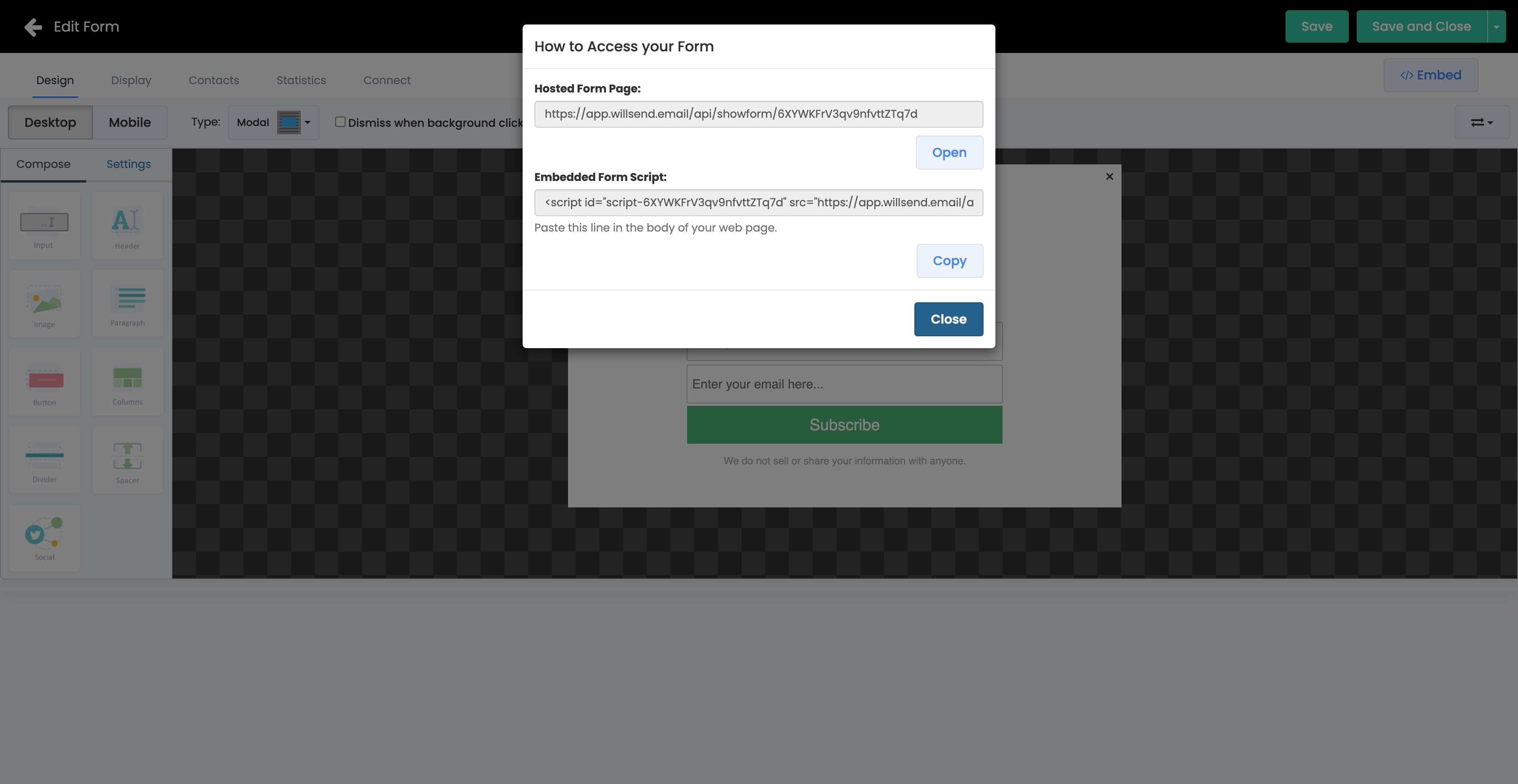
To embed the optin form to your webpage, simply click </>Embed and copy the "Embedded Form Script" and paste in your webpage.
13
Done 🚀