1. Creating A Contact List
Dec 13, 2024●
1
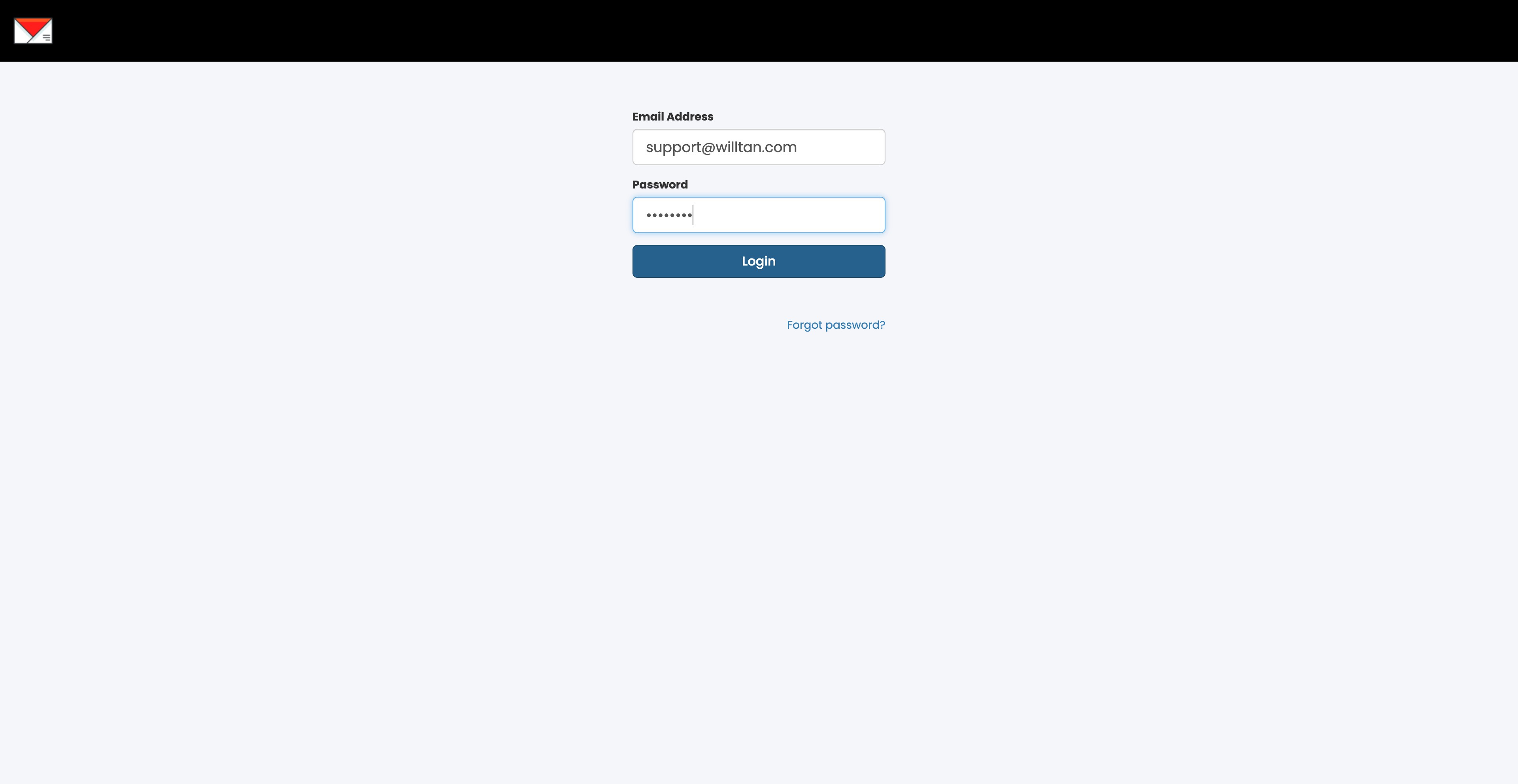
Navigate to https://app.willsend.email/login
2
Enter your Email and Password. Click on "Login"
3
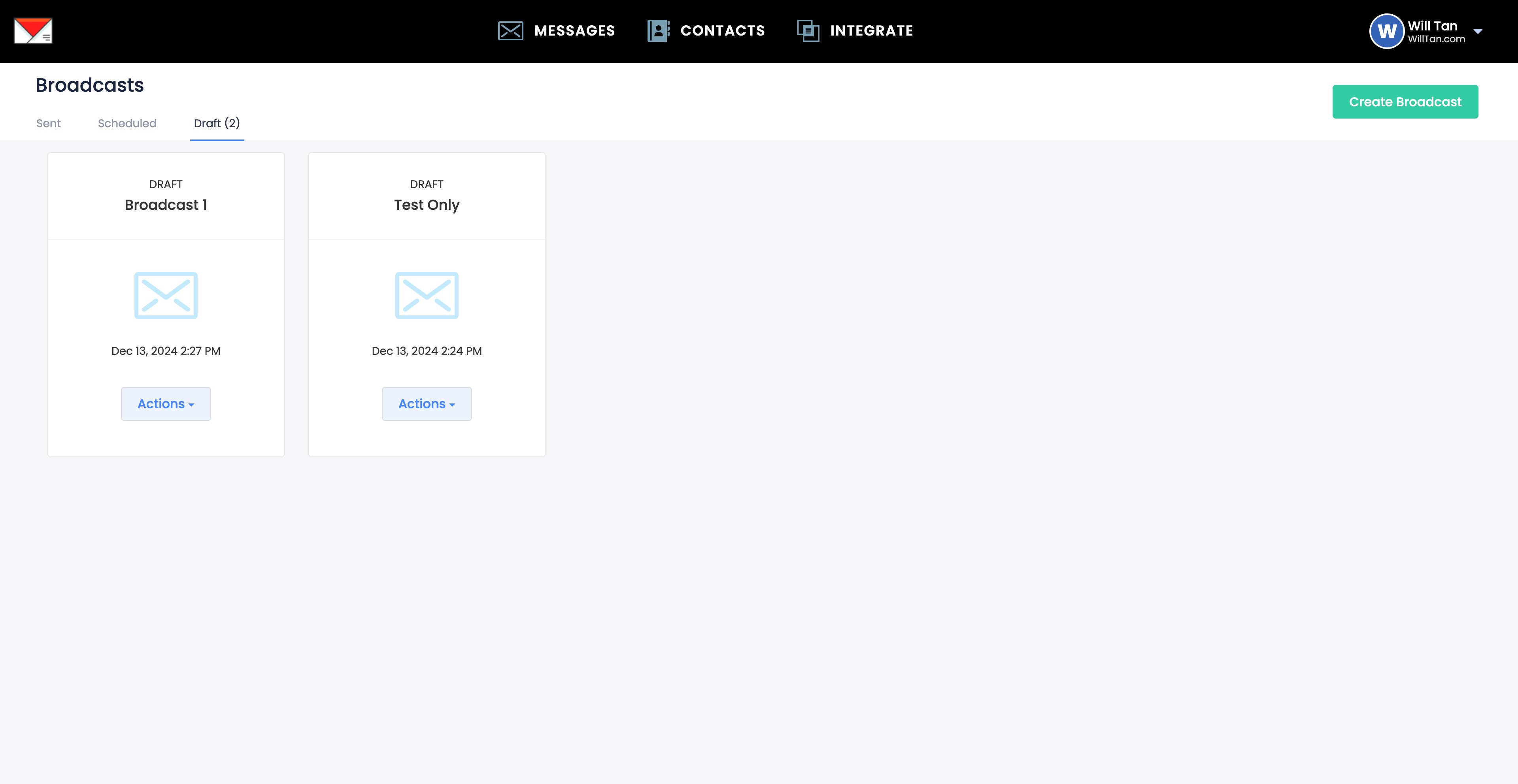
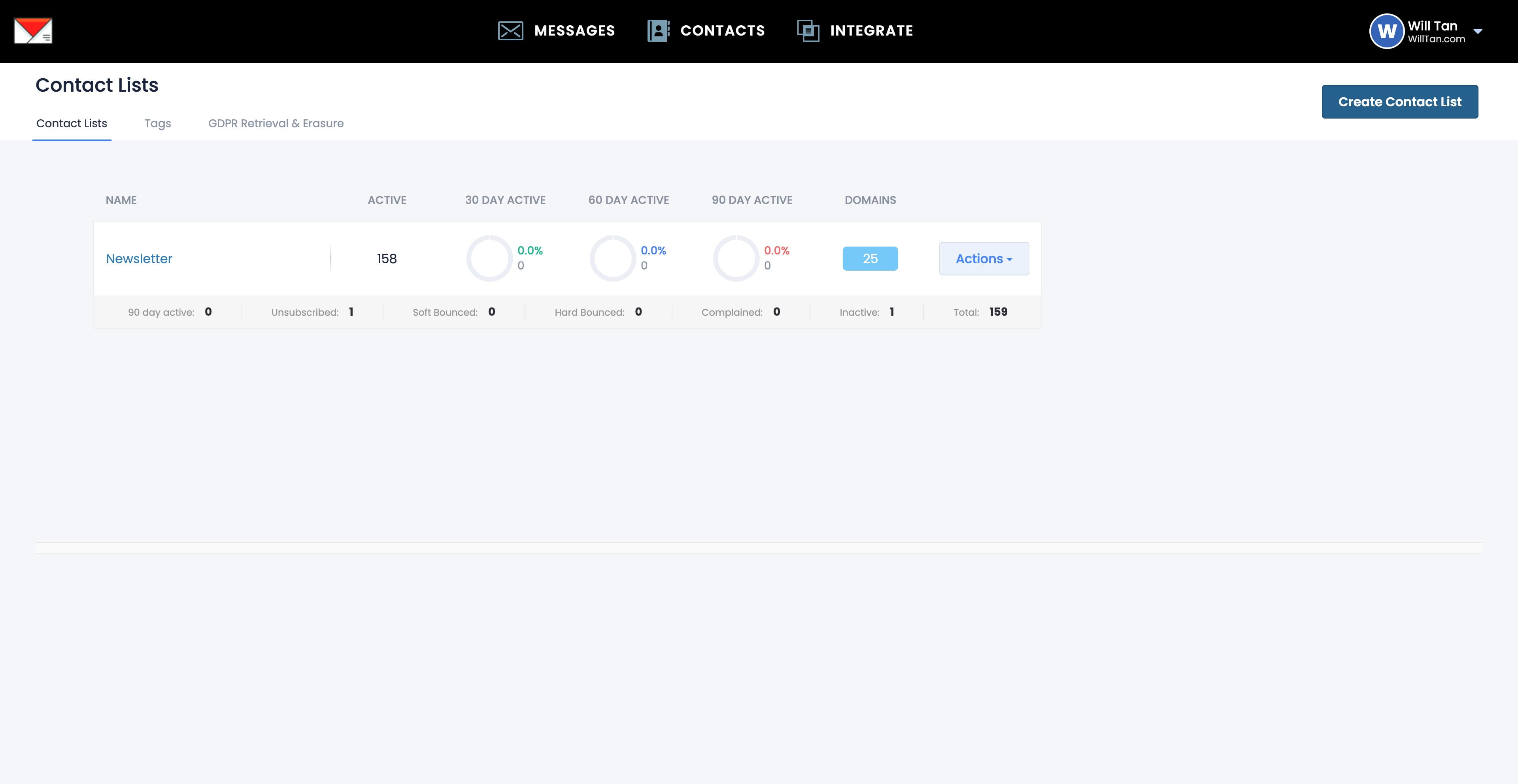
First thing first is to create your Contact List > Click CONTACTS
4
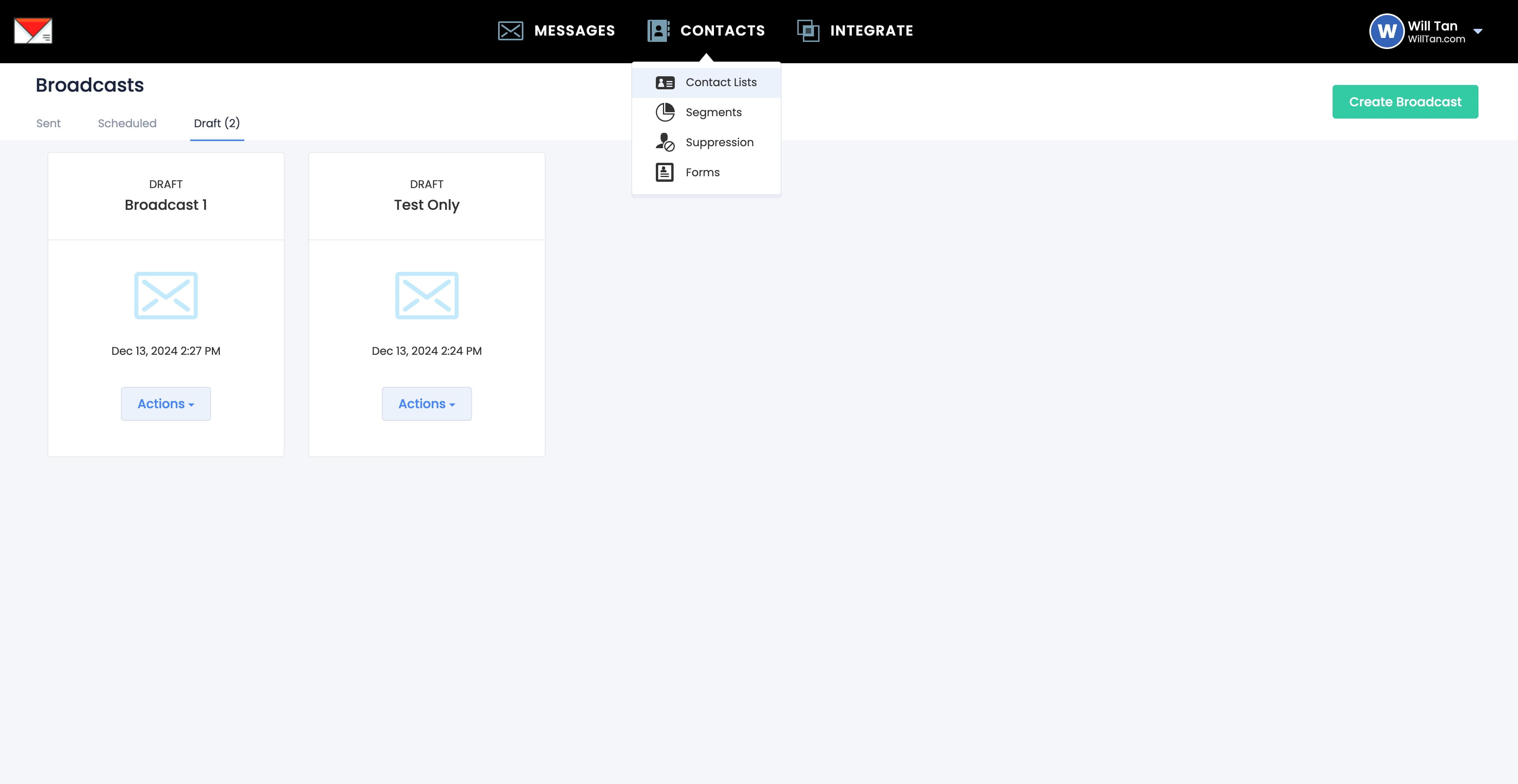
Click Contact Lists
5
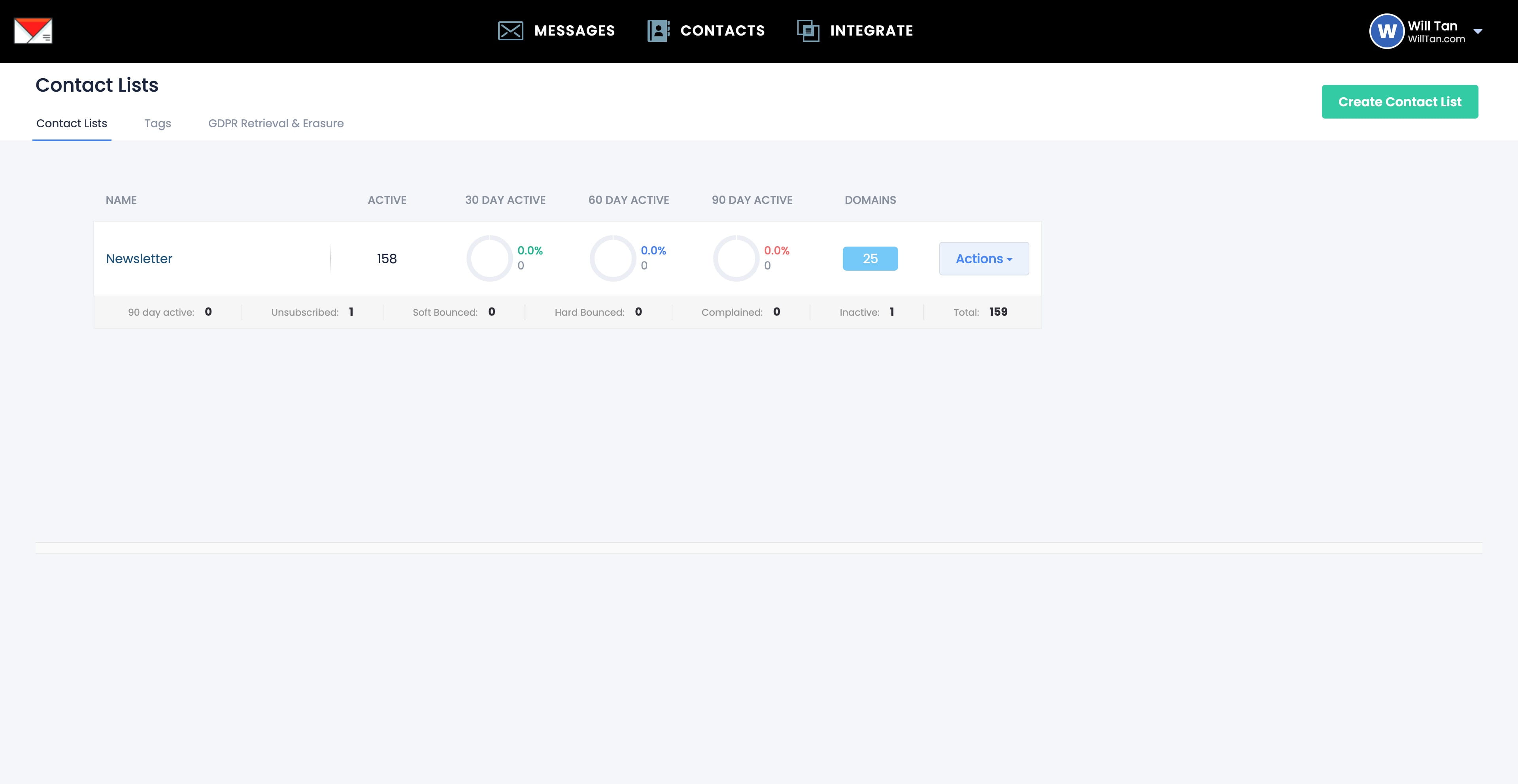
Click on "Create Contact List"
6
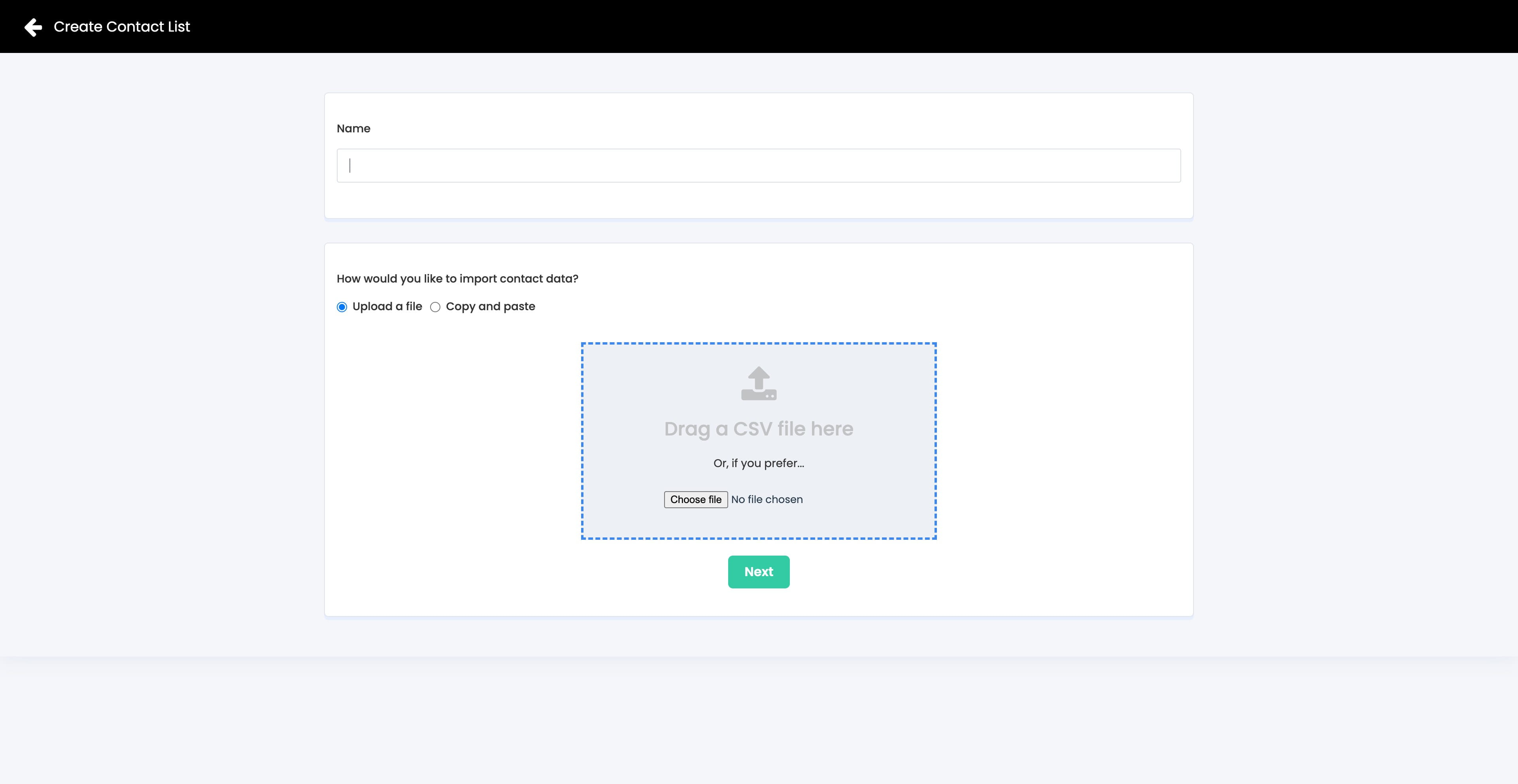
Create a Contact List > Name ie. Newsletter
7
If you have an existing list, you can upload it here.
It is highly recommended to clean your list(s) with Reoon Email Verifier before uploading here.
 before uploading here.](https://assets.guidejar.com/uploads/d9c0e569-ba3b-4cef-908a-5fd3b69ac666/66ZRl7YPvVQqYtqvRrYiWL7DJGu1/7ca73ec2-7b8a-4b04-962c-9aa5d97ece53/1734073521686.jpeg)
8
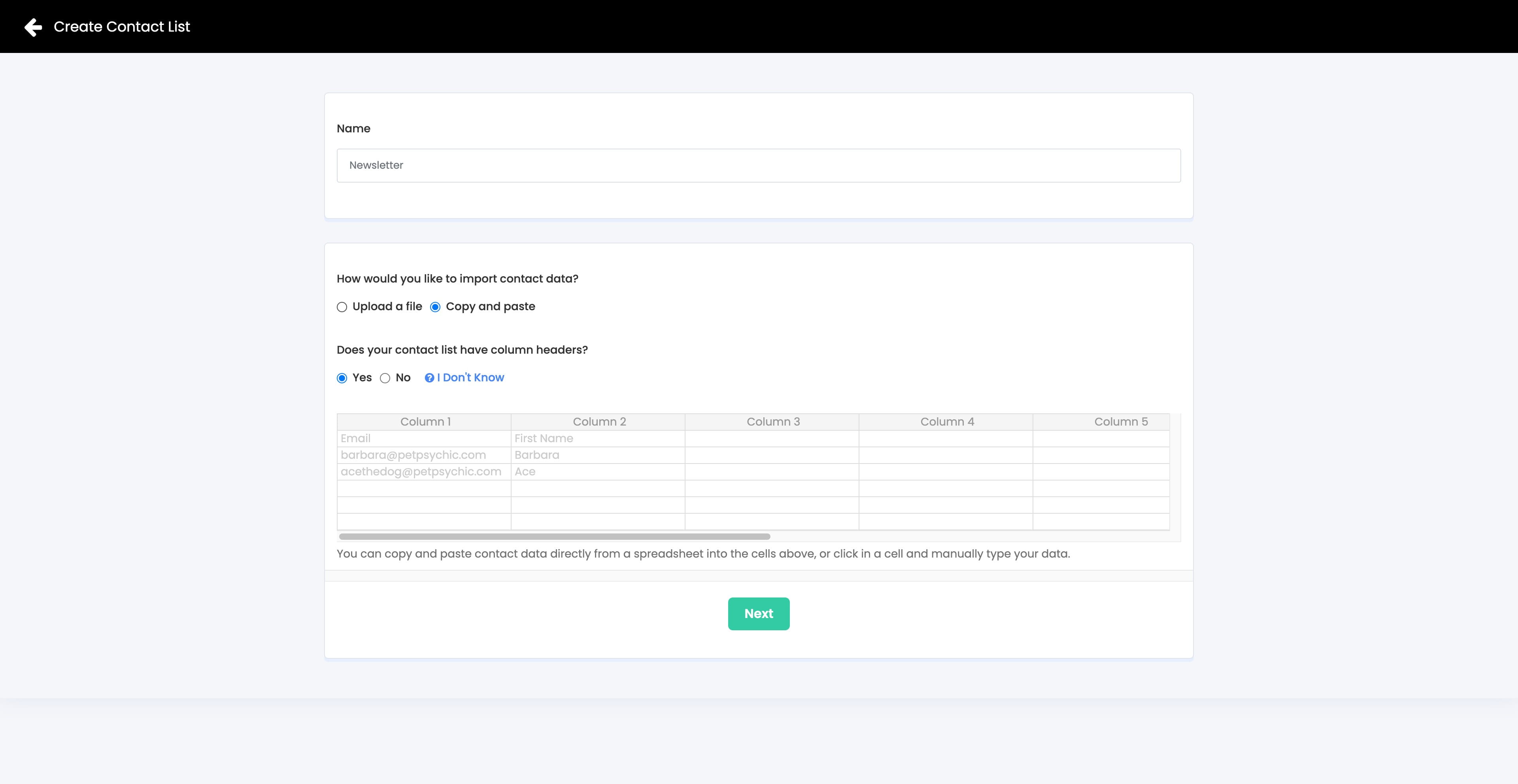
You can also "Copy and paste" your list here.
9
Done 🚀